




Persönliche Zertifikate (außer GRID)
If your institution is registered with HARICA, you can issue a personal certificate (S/MIME certificate) yourself via the self-service portal.
Log in to cm.harica.gr
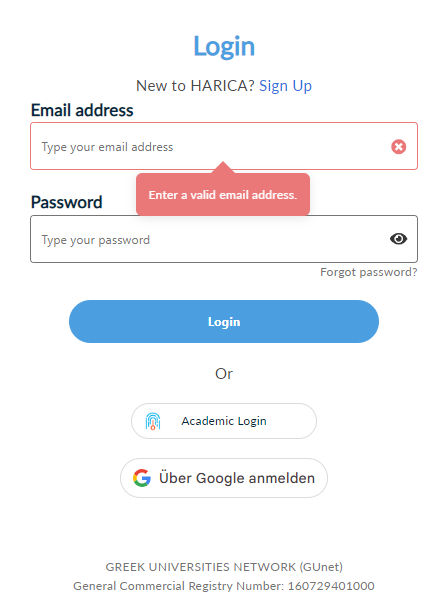
via Academic Login using your SIM ID. The first time you log in, your HARICA account will be created automatically.
After logging in, you get an overview page where you can generate personal certificates.
HARICA automatically uses the email address stored in your account.
Note on capitalization:
With some email clients, it is important that the case of the certificate matches that of the email address. Unfortunately, you have no control over this when requesting a user certificate. If HARICA issues one that does not match, please open an IET ticket. We can issue a matching certificate manually.
Last update: May 28, 2026